Record with confidence
One-tap, high-quality recording with a live meter and timer. Pause, resume, bookmark important moments, or discard. Recording continues when the screen locks and interrupted sessions recover automatically.
On-device voice intelligence
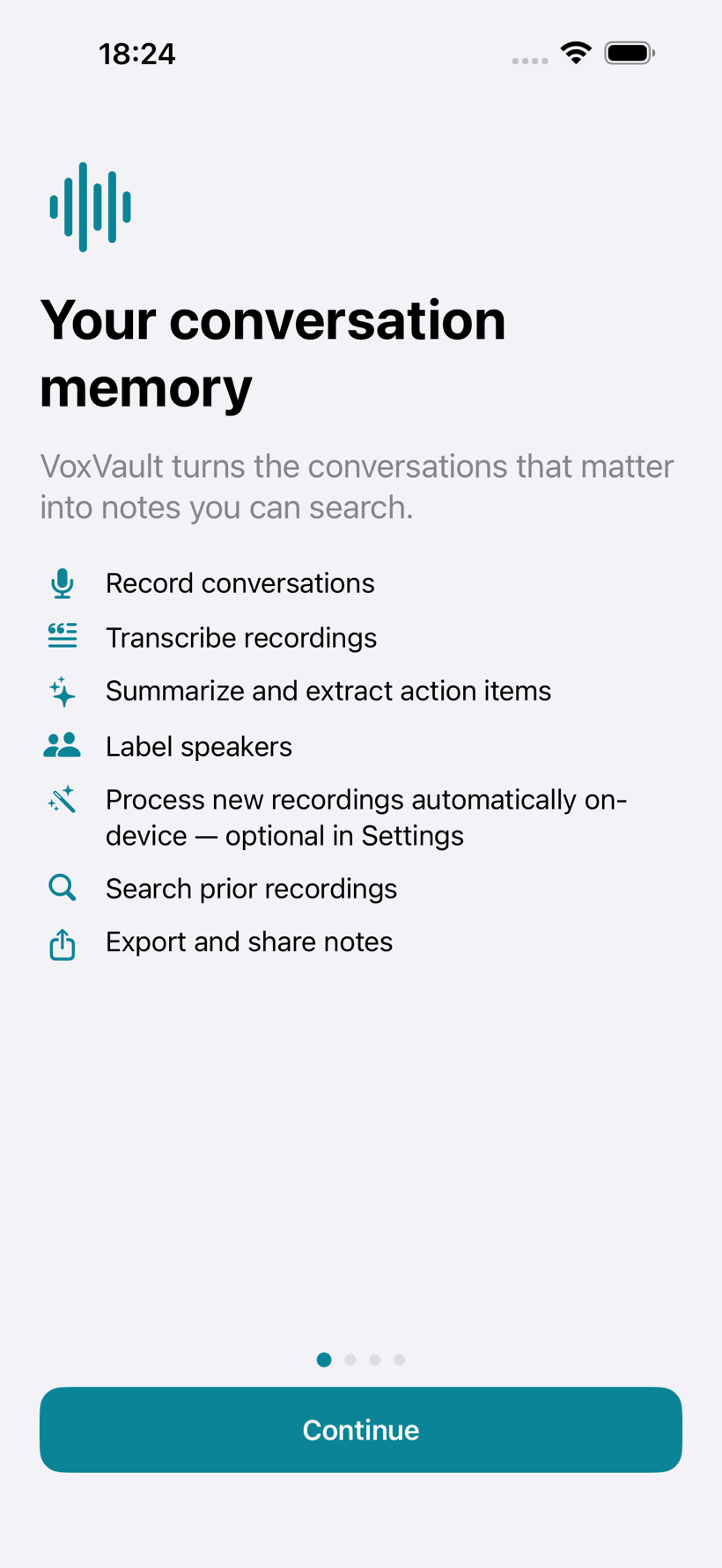
Record the conversations that matter and get searchable transcripts, summaries, and action items, processed on your iPhone or iPad. No account or tracking; private iCloud sync is optional.
Record · Transcribe · Remember

From audio to answers
VoxVault doesn't just store audio. It gives you a clean, speaker-labeled transcript, a summary of what mattered, the action items with owners, and makes all of it searchable.
Record Transcribe Understand
Let's lock the launch date before we scope anything else.
02:14I can have the API ready by the 12th if design is final.
02:31Design freezes Friday. I'll send the final specs tonight, and we can hold the launch date for the week of the 19th.
03:05Illustrative example with sample content. In the app, everything above is produced on your device; private iCloud sync is optional and off by default.
What it does
Record a meeting, a lecture, an interview, or a one-on-one. VoxVault transcribes it, summarizes it, pulls out action items, labels who said what, and makes all of it instantly searchable.
One-tap, high-quality recording with a live meter and timer. Pause, resume, bookmark important moments, or discard. Recording continues when the screen locks and interrupted sessions recover automatically.
WhisperKit runs a bundled on-device Whisper model to create an editable, timestamped transcript. Switch to Readable mode for a view-only cleanup while the verbatim original stays unchanged.
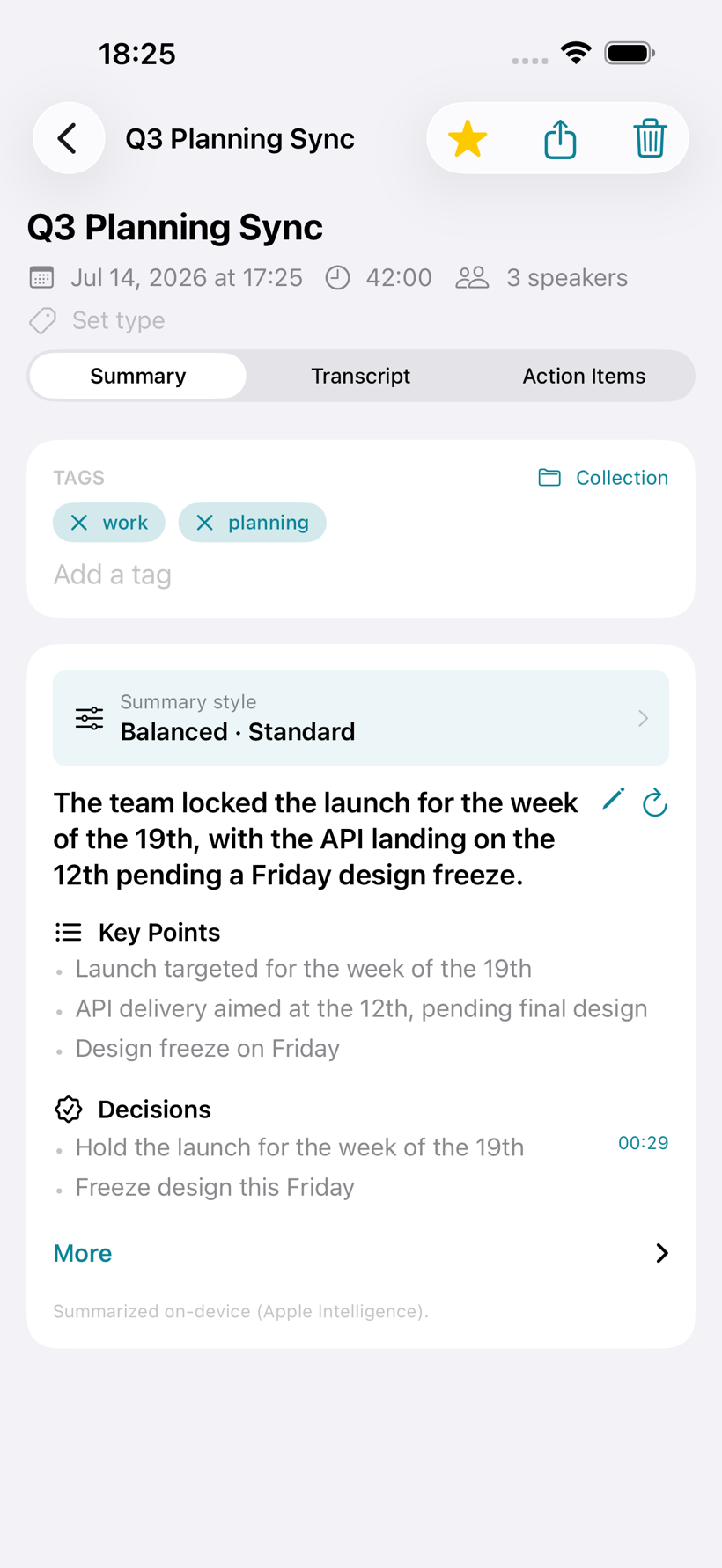
Choose a General, Meeting, Student, Sales, Engineering, Interview, Medical Visit, or Legal style. On-device summaries surface the structure and action items that matter for that context.
Apple IntelligenceTag who's speaking during or after a recording and rename once to update everywhere. Optional automatic speaker separation and voice recognition are available too.
Optional · off by defaultBring in audio and video from Files or Photos, organize recordings with collections and smart views, search across every note, use bulk actions, and export summaries, transcripts, PDFs, or audio.
A Live Activity keeps the recording visible on the Lock Screen and Dynamic Island, so you can check status, pause, bookmark a moment, or stop without unlocking.
The library
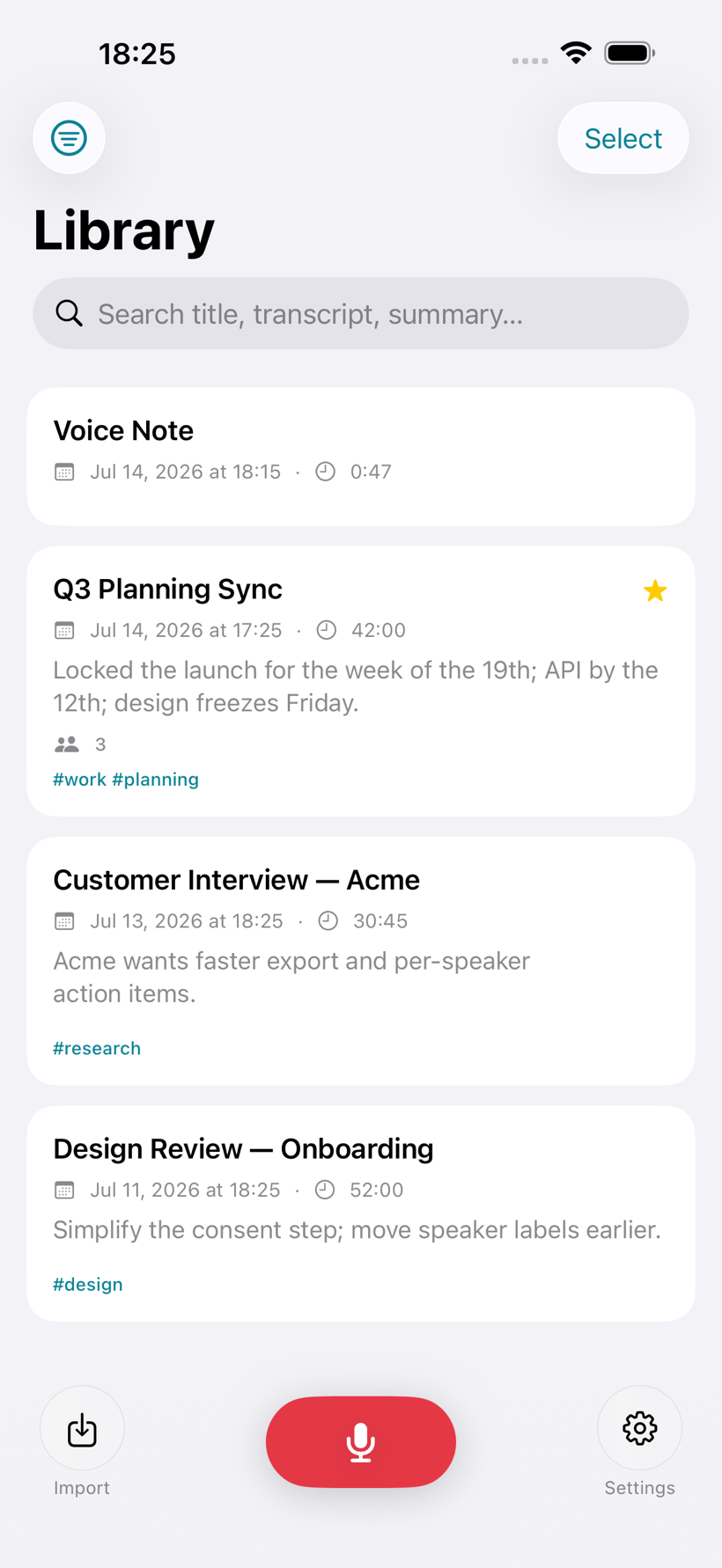
Recordings and imported media live in one clean library. Collections, smart views, sorting, tags, and full-text search help you find the moment, not just the file.
Live Activity
Recording keeps going when your screen locks, using the legitimate iOS background-audio mode. A glanceable Live Activity shows status and elapsed time, and lets you stop safely without unlocking.

Private by design
Onboarding is upfront about how iOS actually works, and about your responsibility to get consent before recording. VoxVault shows a reminder before you record and never hides that a recording is active.
The conversation
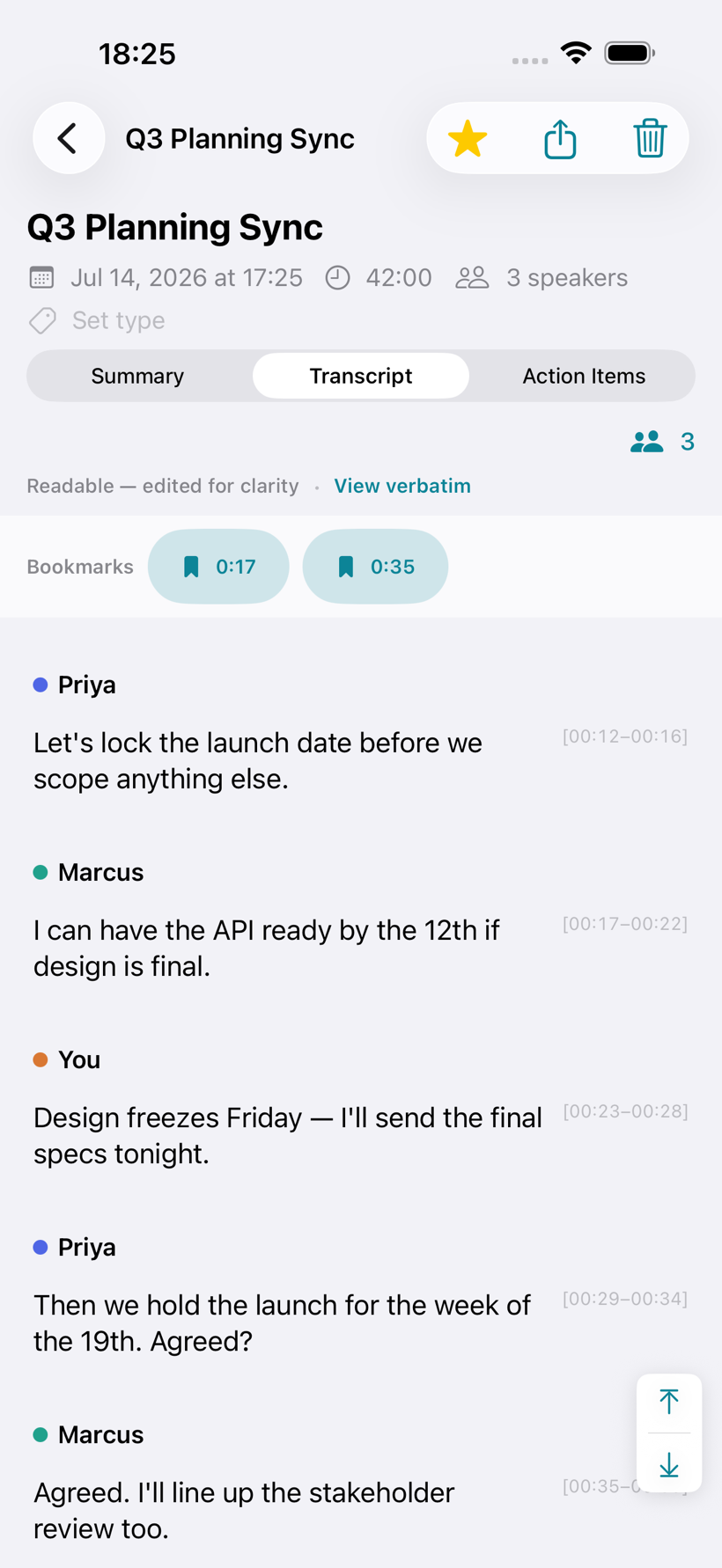
Switch between the untouched transcript and a view-only readable cleanup. Speaker labels, timestamps, playback, and bookmarks keep every polished passage anchored to the recording.
Summary styles
VoxVault can organize the same conversation differently for a class, sales call, engineering review, interview, medical visit, or legal discussion — without sending the transcript to a third-party AI service.
Private iCloud sync
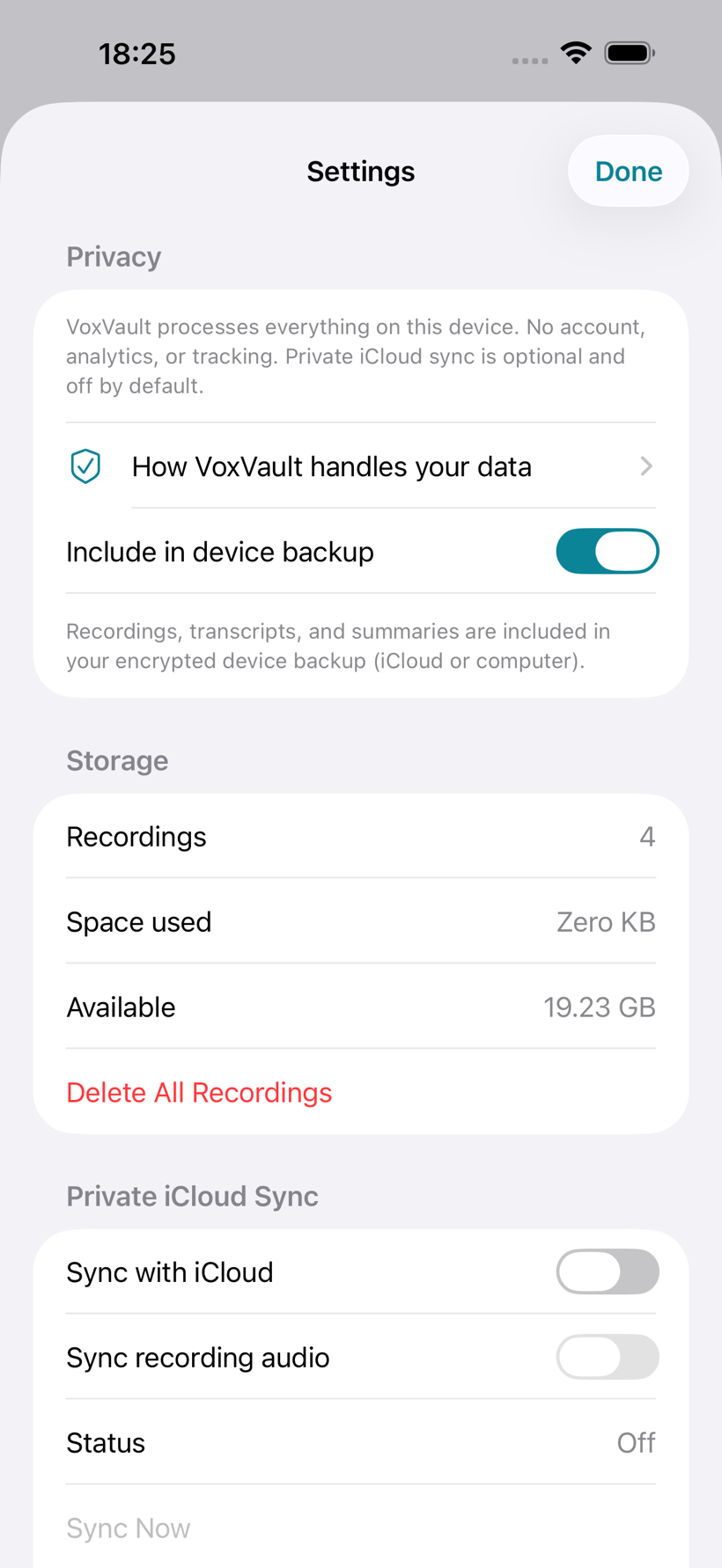
Sync supported library content through the private CloudKit database attached to your Apple ID. VoxVault has no developer-operated sync server, and audio remains a separate choice.
Why VoxVault
If you've used Voice Memos, Apple Notes, or a cloud transcription service, you know the usual tradeoff: the more a tool understands your conversations, the more of them it wants on its servers. VoxVault takes the other path.
The usual cloud approach
VoxVault
VoxVaultThe honest tradeoff: local-first means VoxVault runs where your data already is, but it also means it leans on your device. Summaries need Apple Intelligence, transcription is English-only, and there is no web app. Optional private iCloud sync can keep selected content available across your Apple devices.
Privacy, precisely
VoxVault has no developer-operated backend and no account system. Recording, transcription, summarization, search, and speaker recognition all run on your iPhone or iPad. Optional sync uses your private iCloud database.
Precisely: processing stays on-device; network transfer occurs only for private iCloud content you choose to sync. The WhisperKit transcription model ships in the app (no download), while Apple's on-device intelligence models for summaries may be downloaded once by iOS the first time they're needed; your recordings are never part of those model downloads. Turning off backup inclusion cannot reach backups already made, which remain until replaced or expired.
Availability & compatibility
V2.2 keeps the core workflow local and offline, with optional private iCloud sync when you want the same library on your Apple devices.
Record or import a conversation, then turn it into private, searchable, editable notes on the device already in your hand.